A User is an Individual Who Works With Aptien
- A user is an individual who operates within the system using a user account.
- To log in, a user enters their email address and password.
- Each user is assigned a role that defines their access permissions, determining what they can and cannot do, as well as what they can and cannot see.
There are three types of licensed users in Aptien
- Manager: This license is intended for users who manage work, documents, and information. Managers have access to the full version of the system.
- Employee: This license is designed for regular employees. Access the Employee Portal to complete tasks, submit requests, and manage your own information.
- External Collaborator: This license is for external workers, such as suppliers, service technicians, etc.
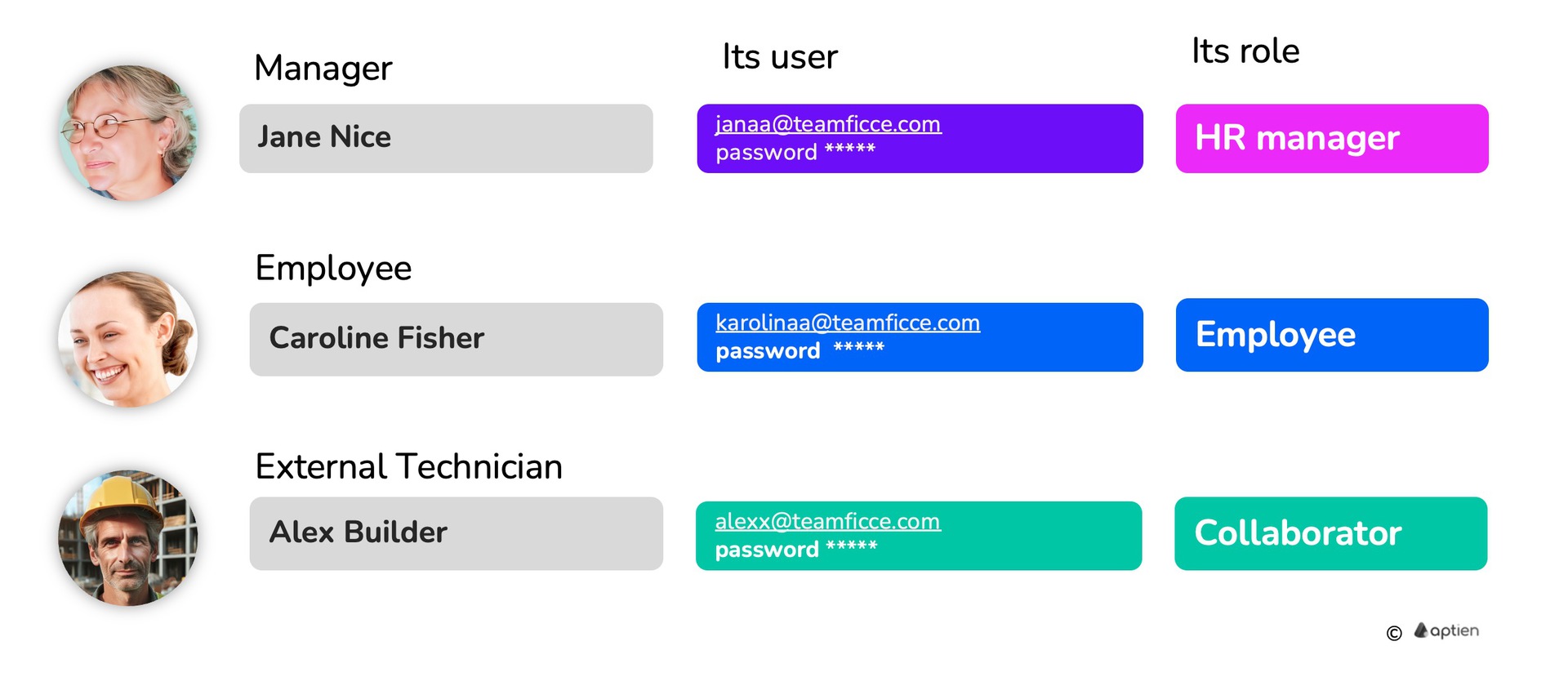
The user with the highest access rights is the system administrator.
Users Are Responsible for Their Actions in the System
A user account is a digital identity for a person. It’s how they request, approve, or confirm actions within the software.
- Users create, access, store, and share data in the system as part of their work.
- They are responsible for their actions and behavior on the platform.
- All activity is tracked in an audit log.
- Anything a user does with data is recorded by the system and can be reviewed.
Manager and employee users are always linked to a specific employee profile. External collaborator users are linked to a specific contact in your contact list.