External Collaborator Can Be Your Supplier, Subcontractor, or Service Technician
- An external collaborator is a user account for someone outside your company, such as a contractor.
- This typically includes suppliers or service technicians.
- External collaborators only have access to the extranet, a separate portal where you control their permissions.
- They can only see the pages they’re invited to.
- For example, they may only see information related to a specific project or purchase order.
- You can configure which details an external collaborator can view for each record in the extranet settings.
- You can assign tasks to the external collaborator.
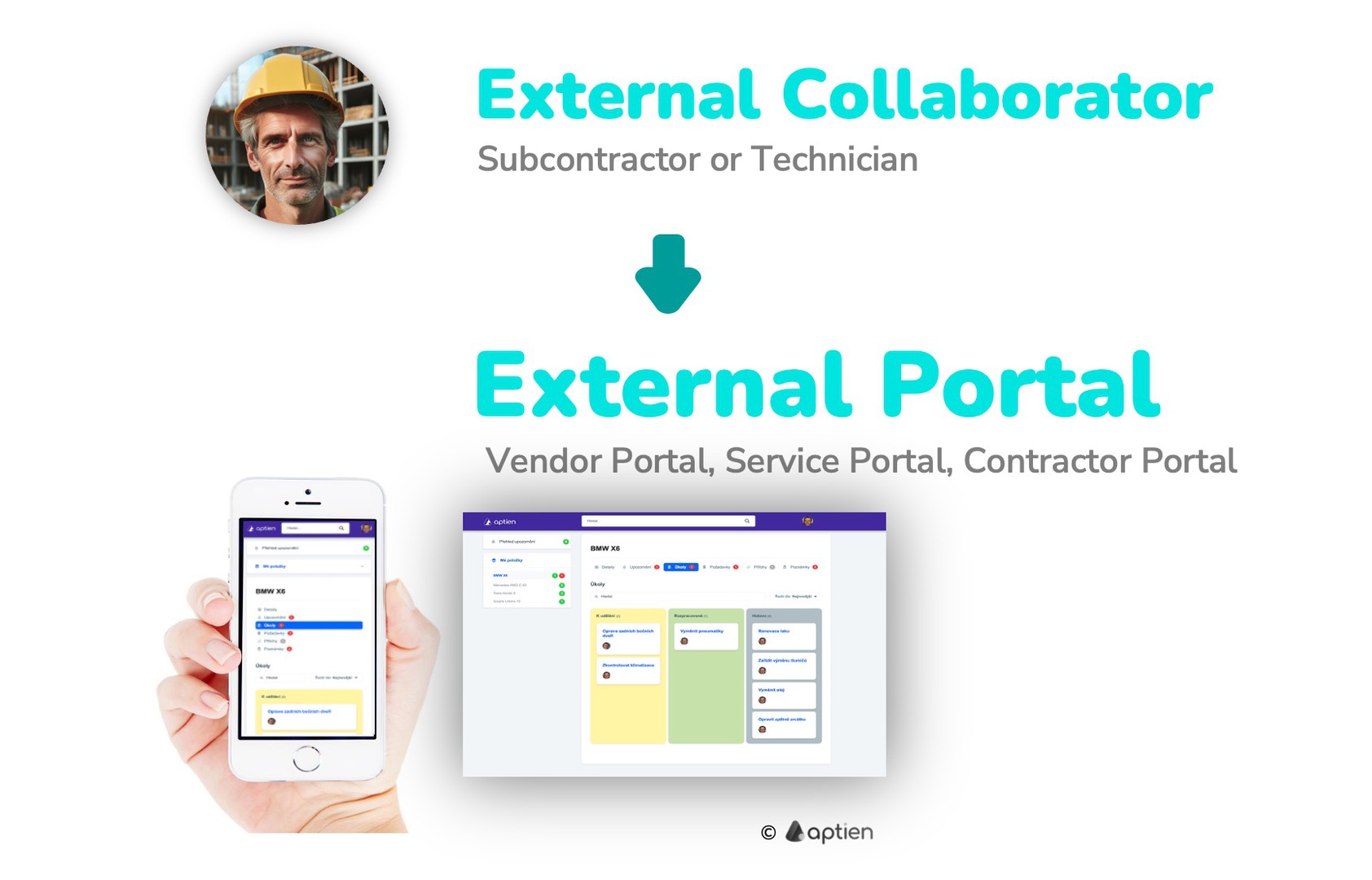
What a External Collaborator Can See
- Notifications about current situation: In the notifications overview, they will find all alerts related to tasks or planned activities.
- Shared information and documents: Such as photos, plans, and other materials.
- Tasks assigned to them and work orders.
What can an external user do?
- Submit tickets: They can submit support or service requests to your company.
- Upload files and photos: They can upload attachments, including documents, files, and images.
- Confirm tasks: They can confirm when assigned tasks or activities are completed.
- Add comments: They can add notes or comments.
How to Enable and Set Up External Access
- Access is configured per organizer to protect your information.
- In organizers with the extranet enabled, managers can share specific items.
1. Enable and Configure the Extranet for Each Record:
- Turn on and configure the extranet in the record.
- The system administrator defines which records external users can access and what actions they can take.
- See how to set what an external user can do.
2. Create External User Accounts:
- Create accounts for external users so they can sign in.
- Add new external users as users.
- See how to add a new external user.
3. Managers Can Invite External Users to Specific Items:
- Within records, managers can invite external users to specific items, such as a project, tool, or machine.
- Managers grant access to specific items by inviting the external user and sharing the item with them.
- See how to share an item with an external user.
External Collaborators Licensing
- There is no per-seat fee for external collaborators.
- Your company selects a seat bundle that includes a specific number of external collaborator seats.
- Seat bundles are offered in 10, 20, 50, 100, 200, 300, and then additional 100-seat increments.
- This flexible model makes it simple to scale your plan as your number of external collaborators changes.