Níže Vám ukážeme dva postupy, jak evidovat přijaté a vydané faktury k jednotlivým zakázkám.
Streamlined Invoice Management within Your Project
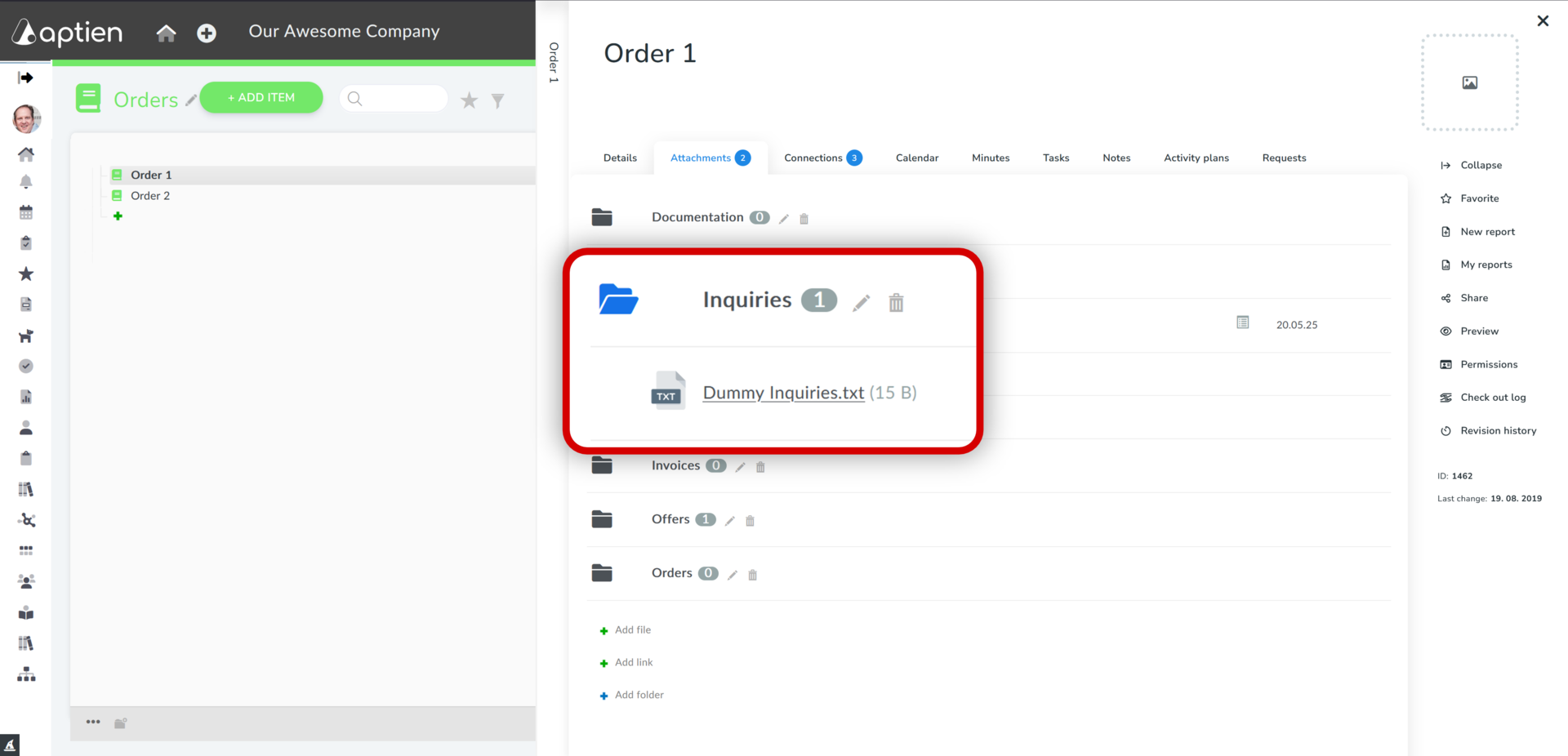
The initial approach to tracking all project-related invoices is by storing them as digital attachments.
- Open the project
- Click on the "Attachments" tab
- Select the "Received Invoices" or "Issued Invoices" folder
- Click on "Add File"
- Choose the file from your computer and upload it
This method allows you to centralize your invoices directly within the project, ensuring they are always accessible and easy to retrieve for future reference. Opt for this solution if you don't require formal invoice approval workflows, want to avoid sifting through emails, or struggle with physical printing and filing. By saving them directly to Aptien alongside your project, you gain immediate access. As a project manager, you don't need direct access to accounting systems, yet you can still quickly and easily locate the financial information you need.
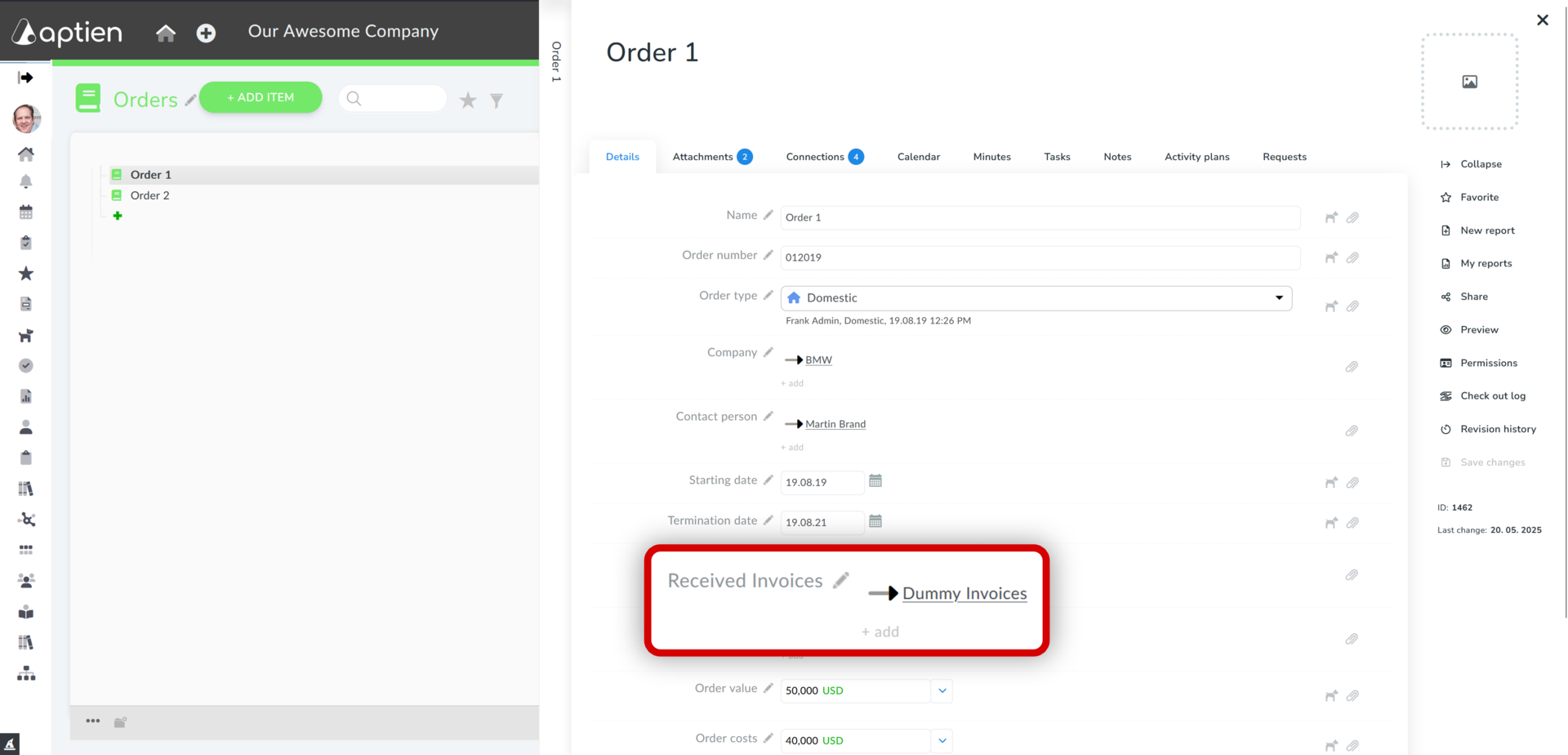
Linking Purchase Orders and Vendor Invoices
If you maintain separate records for your purchase orders and vendor invoices, this section is for you. You can learn more about managing your vendor invoices here. When you enter vendor invoices into the system separately, you can easily store essential information about them, track their approval process, and monitor their payment status.
How to Attach a Vendor Invoice to a Purchase Order
- Open the Purchase Order record.
- On the Details tab, locate the "Received Invoice" line.
- Click "+ Add".
- Begin typing to search for the vendor invoice. Once found, select it.
- The vendor invoice is now linked to the Purchase Order.