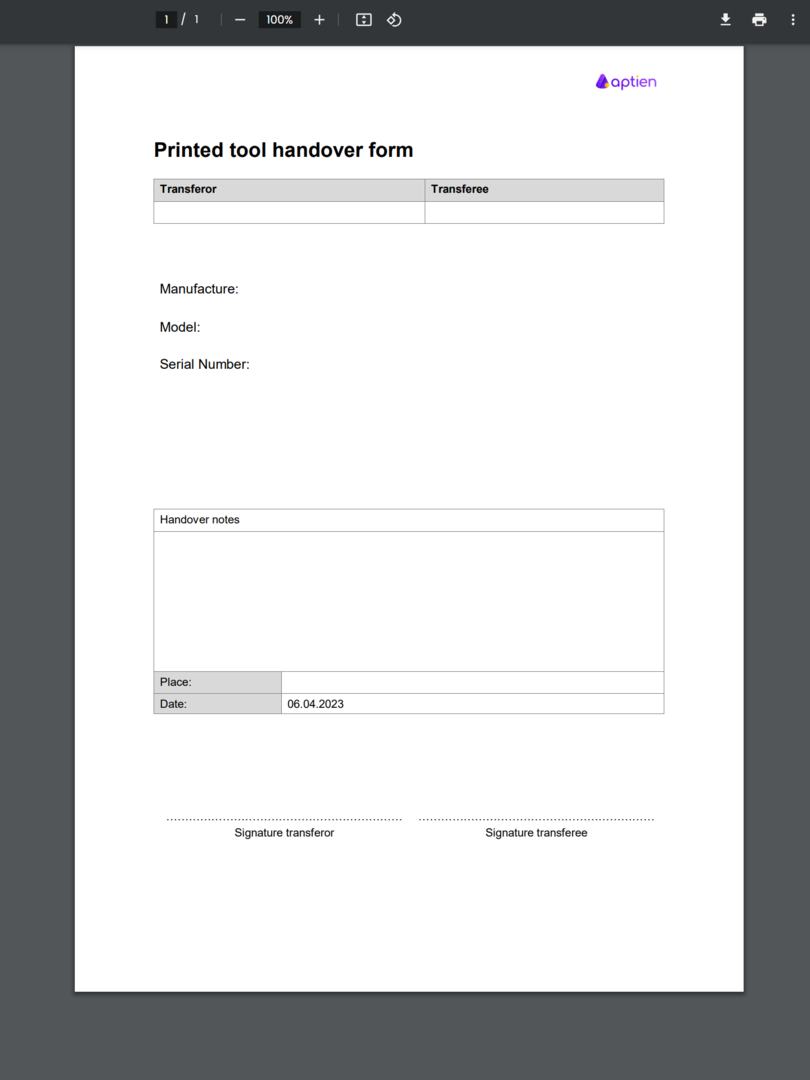
You can use the tool issue form to assign or check out tools or work equipment to employees that you keep tracked in your tools inventory. This form serves as proof that the employee received the equipment. Receipt is confirmed by the employee signing the printed form.
The form is automatically pre-filled with key information about the tool or equipment being checked out, such as:
- type of tool or equipment
- asset name or ID
- current condition
The resulting document is saved as a PDF, which you can easily print and have the employee sign.
How to check out tools to employees
- See how to issue tools or equipment digitally. This will save you time, paper, and the hassle of archiving physical documents.
- In addition, you can also use digital handover.