The Laptop Return Form is used to formally document the transfer of company laptops when an official handoff and acceptance are required.
- clearly records who returned and who received the device, along with the terms and conditions.
- serves as signed proof of delivery or handoff.
- acts as a record confirming the issuer provided the computer to the employee and the employee accepted it.
You can use the form as a printable PDF template or choose a digital handoff in an online app with an on‑screen signature.
What a laptop return form typically includes:
- employee and company information
- device type and name (computer/laptop)
- laptop condition at handoff
- handoff date
- signatures from both parties
Why do companies use a laptop return form?
- to avoid disputes when an employee leaves
- to track who is assigned which device
- to increase accountability for company IT assets
- to streamline work for HR, IT, and office management
You can create a handoff protocol for any active record in Aptien. You can design and customize different handoff protocols as needed.
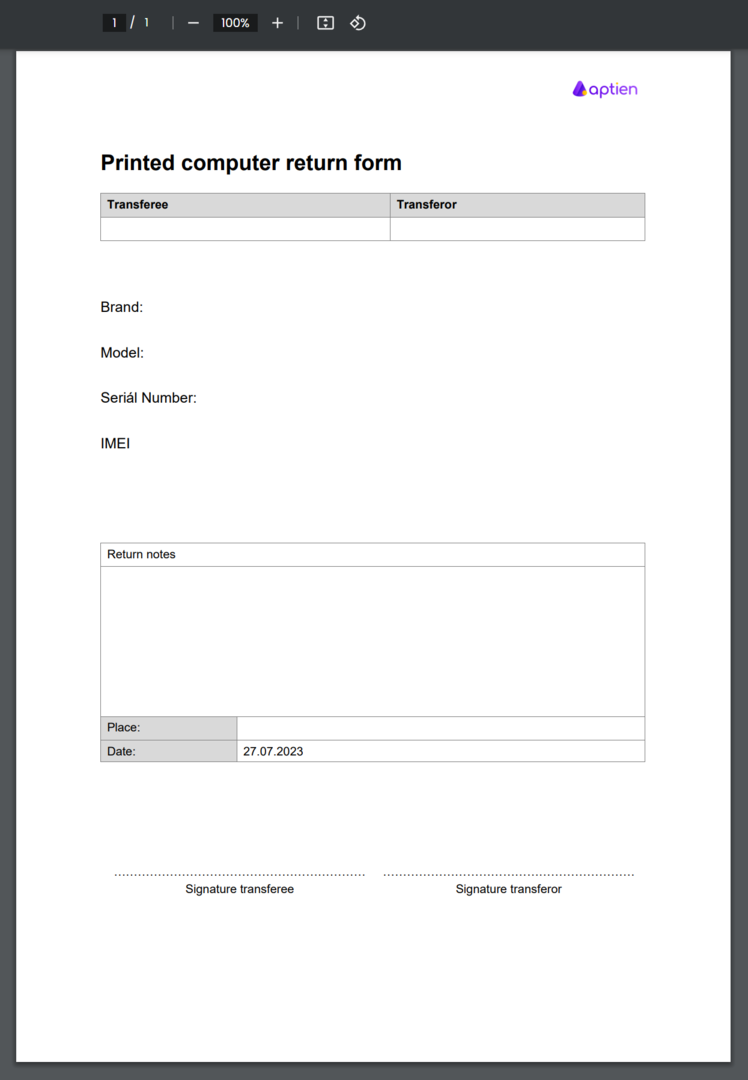
You can use the computer / laptop return form to return company computers from employees, which you keep tracked in your computers organizer. This form serves as proof that the employee has returned the computer. Receipt is confirmed by the employees supervisor signing the printed form.
The form is automatically pre-filled in with key information about the tool/equipment being returned, such as:
- make and model of computer
- Unique Identifier (e.g., serial number)
- current condition
The resulting document is saved in PDF format, which you can easily print and sign.
How to Checkout equipment from Employees
- See how to issue tools/equipment digitally. This will save you time, paper, and the hassle of archiving physical documents.
- In addition, you can also use digital transmission.
Digital laptop return with the app
More and more companies prefer digital asset handoff instead of paper forms. With the Aptien online app for laptop returns, you can:
- start the handoff right on a phone or tablet
- have employees sign the form on-screen
- automatically save the record in one place
- link the asset to the employee without manual tracking
The digital option is ideal if you:
- regularly issue and collect laptops for new hires
- manage onboarding and offboarding
- want a clear handoff and return history
- want to avoid printing, scanning, and filing paperwork