This article is for Aptien administrators, who can configure organizer settings.
How to set up email capture
- Open the organizer where you want new items to be created from incoming emails
- If you are an administrator, you will see a pencil icon next to the organizer name. Click it to open settings.
- In Settings, select “Plugins”, then click the Set up button for the “Auto-create from email” extension.
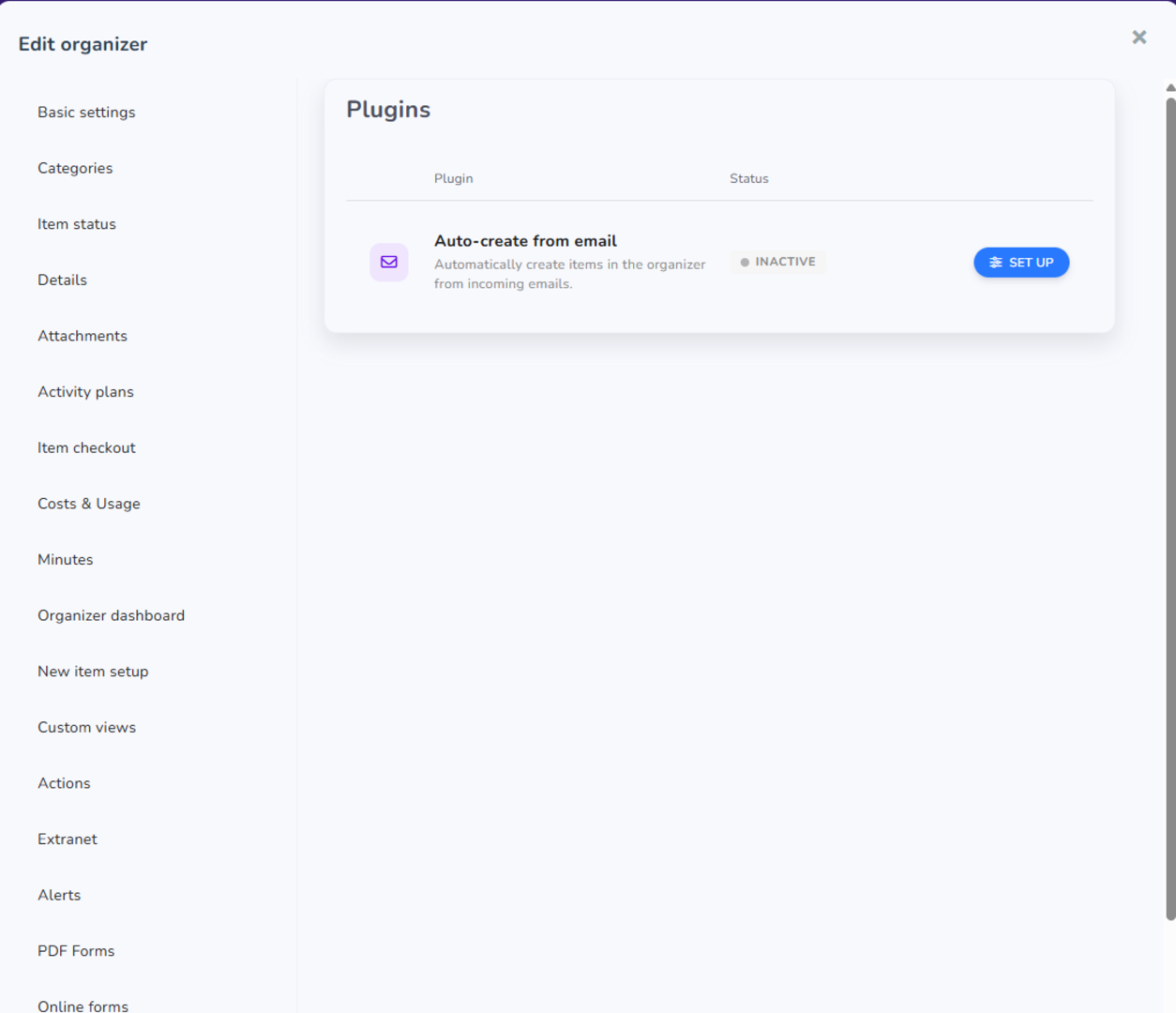
Jak nastavit rozšíření pro stahování e‑mailů
Aby vše správně fungovalo, připojte svou e‑mailovou schránku a nastavte, co se má stahovat a kam se budou data ukládat. Nastavení se skládá ze dvou povinných kroků a jednoho volitelného.
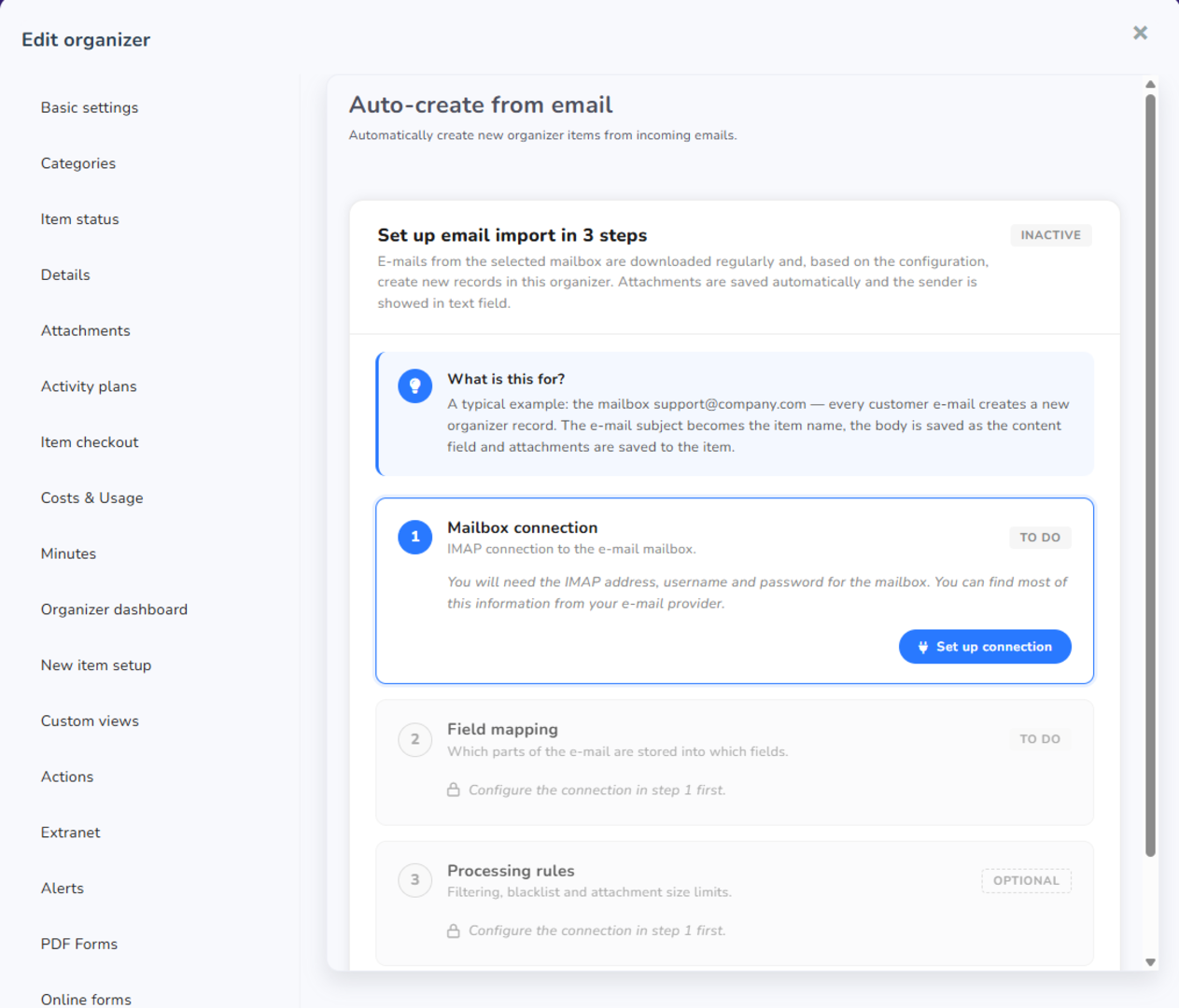
Step 1: Set up email connection (required)
- Enter your mailbox email address, IMAP server, and password
- Test the connection using the "Test connection" button
- Select the default record category and the folder for saving attachments
- Choose how often emails are synced to Aptien. (Note: This feature is available in the Enterprise plan or as a paid add-on)
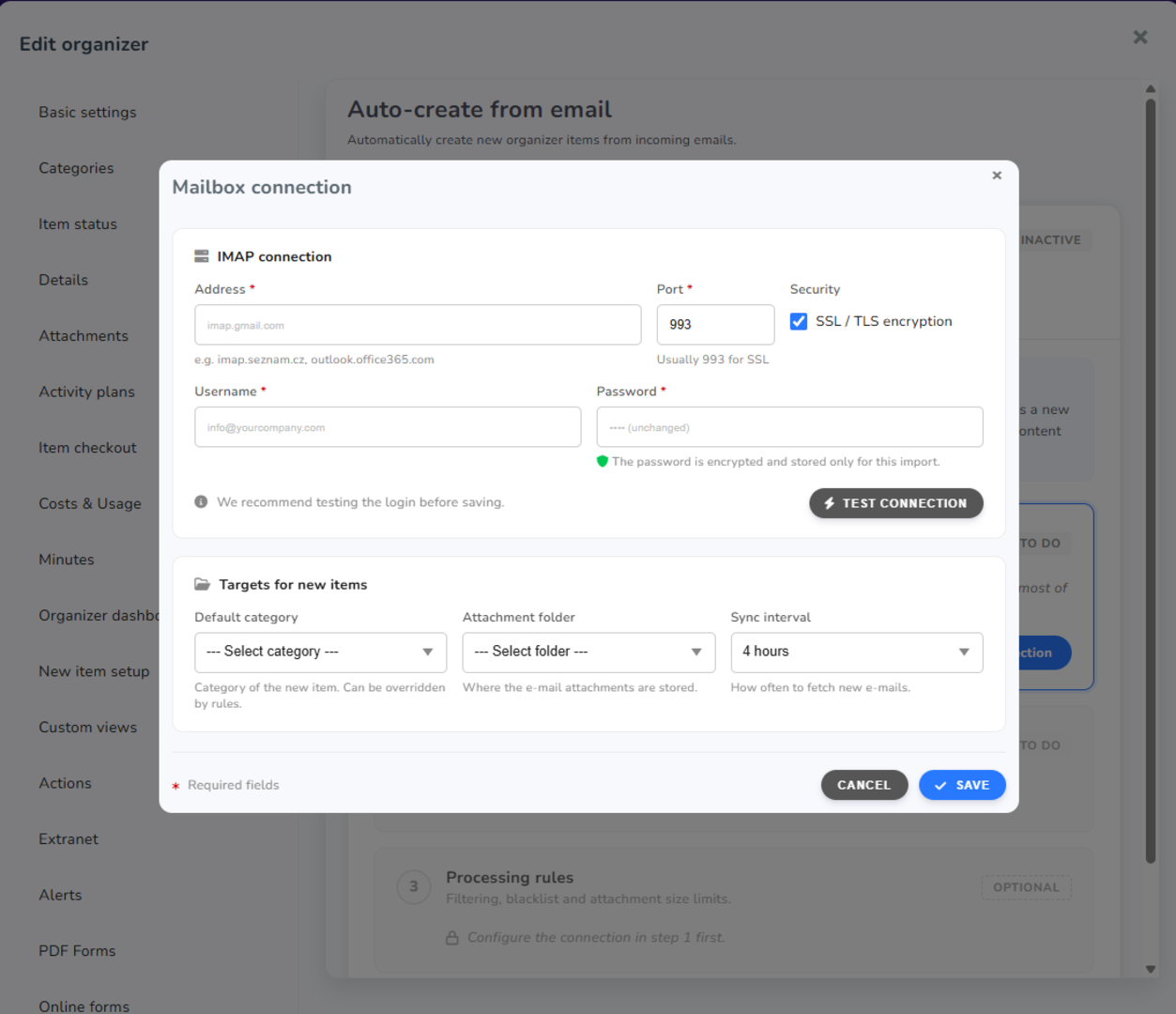
Step 2: Field Mapping (required)
- Click the “Set Mapping” button.
- Select which fields in the record will receive data from the email. The preview shows how the result will look.
- Save your settings.
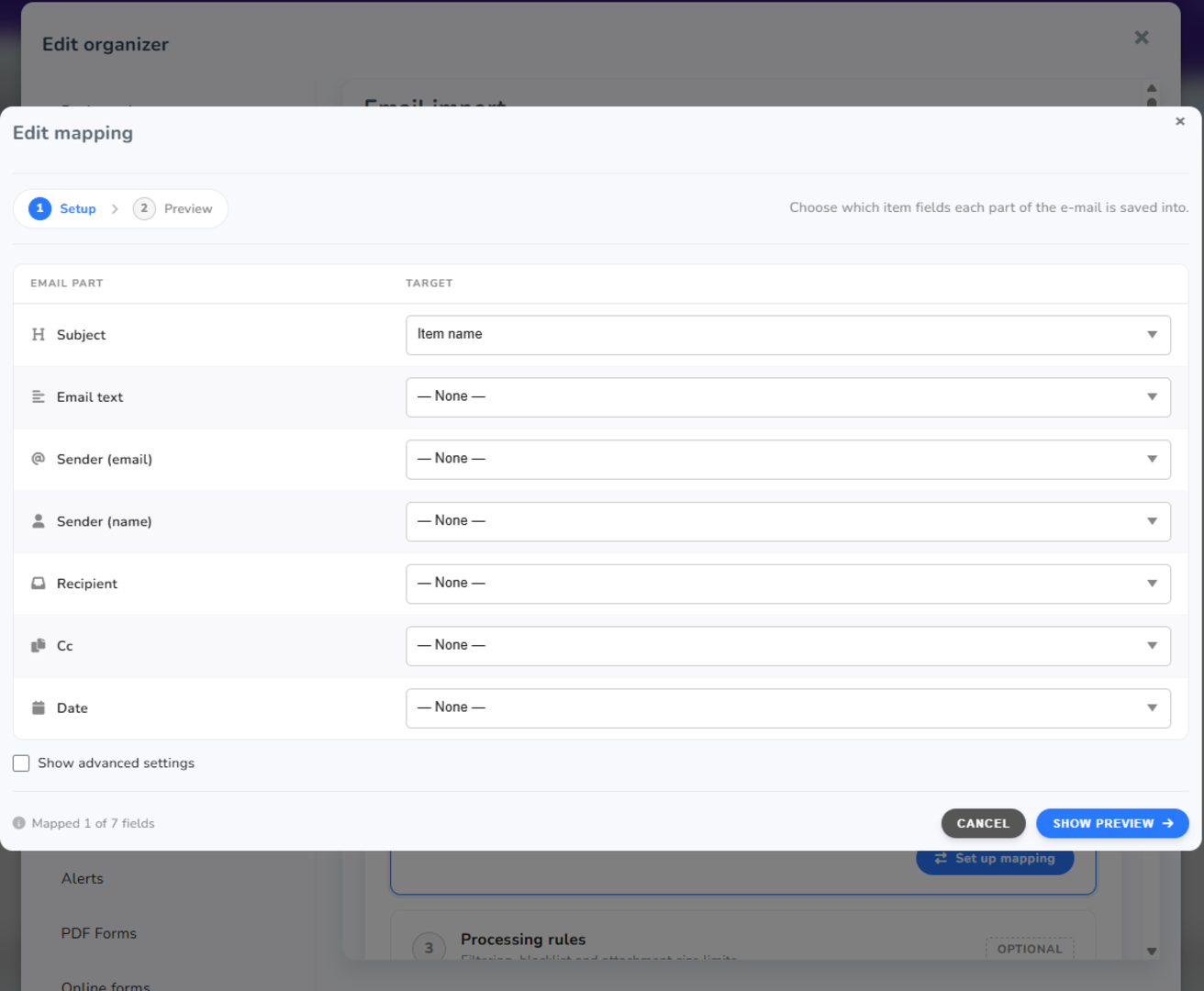
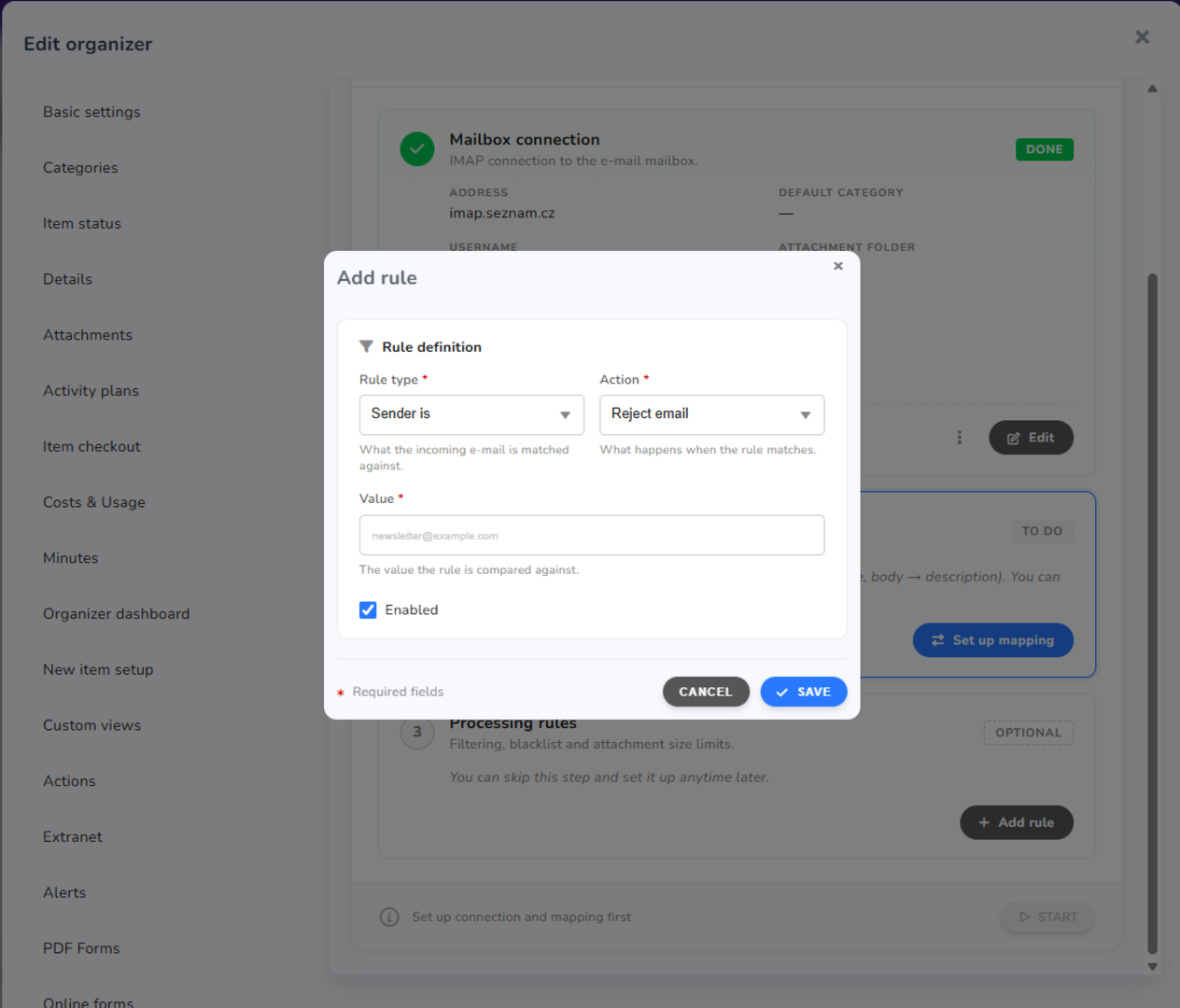
Step 3: Rules (optional)
- Click the “Add rule” button.
- Set filters to fit your needs—for example, exclude emails from specific senders (such as automated notifications or newsletters).
IMPORTANT: Enable the Extension
Don’t forget to start the download (synchronization). If you don’t activate downloading after setup, the extension will not work.
Pause option: You can turn off automatic record creation from emails at any time. In that case, creating new items from emails will be temporarily paused.