This article is for Administrators.
How to invite a user
- Go to the Administration section.
- In the user list, find and select the person you want to invite (the user must already exist in the system) or create a new employee.
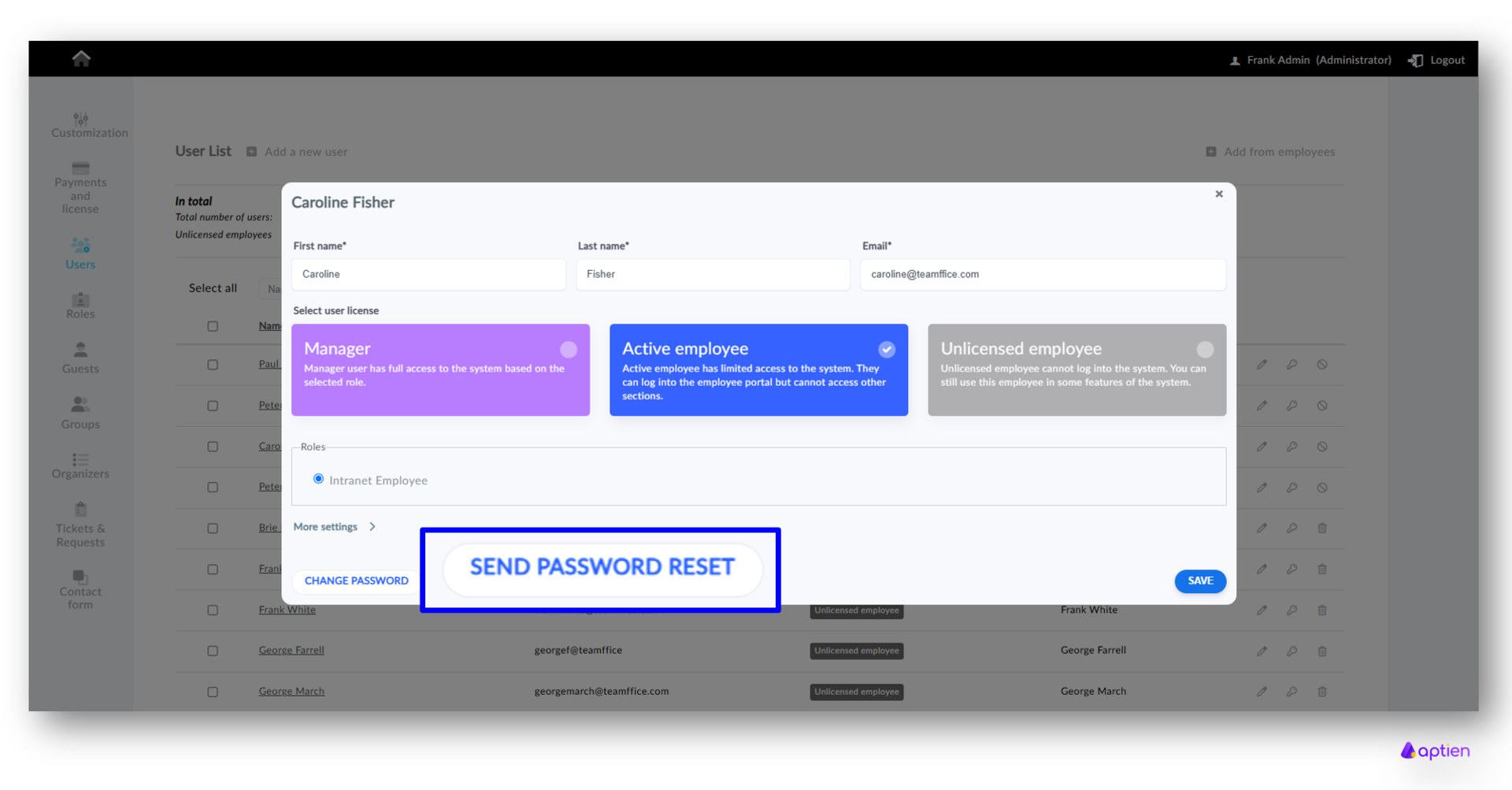
- Click the Restore or create access button next to the selected user.
- The Send reset password link window will open, showing the email address the link will be sent to.
- Choose the language the user should receive the email in.
- Optionally, add a personal message in the text field — it will be sent to the user along with the password-setup link.
Click Send.
The user will receive an email with a link they can use to set their password and access Aptien.