How to Complete an Acknowledgement Form
- The list of policies and documents you need to review is automatically assigned based on your job role or department.
- This ensures you always stay up to date, as any newly issued documents or updated versions will automatically appear in your portal.
How to complete a policy sign-off
The list of documents you need to review depends on your job role. Follow these steps:
- Open the "My Policies" from your Employee Portal home screen
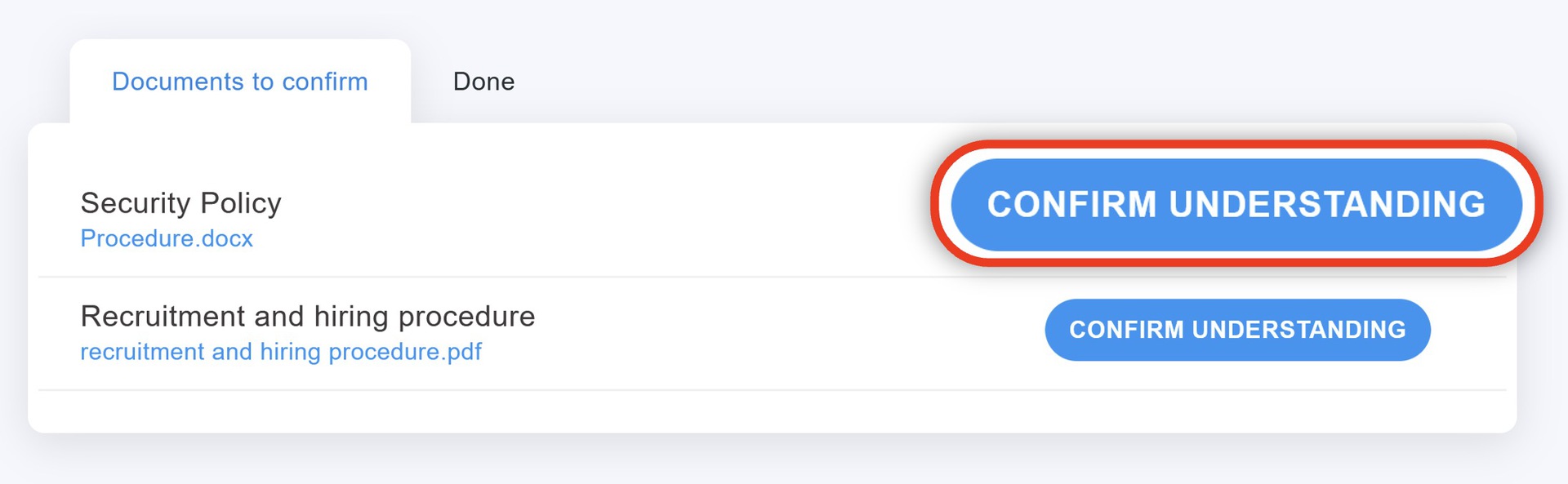
- In the "Documents to Acknowledge" tab, you will see a list of your pending policies, standard operating procedures (SOPs), or employee handbooks. Click on any document to review it online
- Read through the document carefully
- Click the "Acknowledge" button to formally confirm that you have read and understood the policy
Tip: In the same tab, you can view both pending and completed acknowledgements, allowing you to refer back to any document whenever needed.