Asset Handover Form serves as an official record when company assets are assigned to an employee: work equipment, machinery, devices, laptops, keys, or access badges.
- clearly tracks which assets were assigned, by whom, to which employee, and under what terms.
- serves as signed proof of asset handoff.
- It is a record confirming that the issuer provided the asset to the employee and that the employee accepted responsibility.
The form can be used as a printable PDF template or completed digitally via an online app with the employee’s signature captured on-screen.
What an asset handover form typically includes:
- employee and company information
- list of assigned assets
- asset condition at handoff
- asset handoff date
- signatures from both parties
Why do companies use an asset handover form?
- to avoid disputes during employee offboarding
- to maintain visibility into who has which equipment
- to increase accountability for assigned assets
- to streamline work for HR, IT, and office management
You can create an asset handover form for any active register in Aptien. You can design and configure different handover forms as needed.
What is Asset Assignment Form
Asset Assignment Form is a document used by organizations to allocate or transfer the ownership, responsibility, or usage rights of a specific asset from one individual, department, or entity to another. This practice ensures that assets are properly managed, utilized, and accounted for within an organization. Widely used for documenting the handover of company assets like laptops, phones, or equipment to employees.
Sometimes alternative designations are used: Property Assignment Form used when covering both physical equipment and items like access cards or office keys. Equipment Handover Form is often used in IT and technical environments, focusing specifically on hardware or technical equipment.
The Asset Assignment Form includes
- Employee Information: Name, ID, job title, department, and supervisor.
- Asset Details: Description, serial number, date issued, condition, and assignment date.
- Assignment Confirmation: A section for the employee to sign, confirming receipt of the asset.
- Verification: A section for HR, IT, or management to verify and sign off on the assigned items
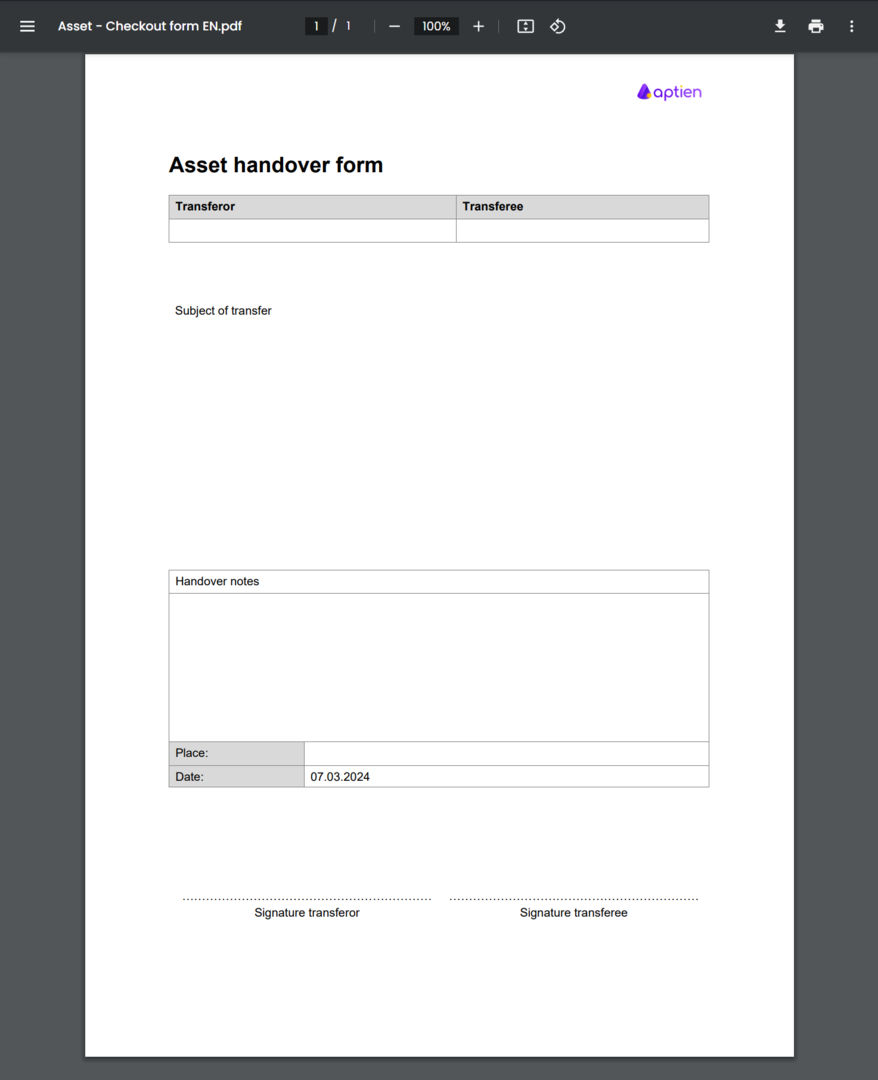
A printed asset assignment form is a one-off ready-made print forms used for handing over and the proof of handover of an asset. Confirmation is done by signing a printed report that you can print directly from Aptien.
- The form automatically fills in the selected information from the asset record, for example, type and manufacturer of the phone, IMEI
- It saves the result in PDF format, which you can then easily print
- In addition, you can also use digital handover forms.
Digital asset checkout with the app
More and more small and midsize businesses prefer digital asset handoff instead of paper forms. With the Aptien digital asset checkout app, you can:
- start the checkout on a phone or tablet
- have employees sign the form on-screen
- automatically save the record in one place
- assign assets to employees without manual tracking
The digital option is ideal when you:
- regularly issue equipment to new hires
- manage onboarding and offboarding
- need a clear asset history and audit trail
- want to avoid printing, scanning, and filing paperwork