This article is for managers or people responsible for issuing assets, equipment, machinery, spare parts, or other items that you track in your inventory. Asset issuance needs to be set up correctly for the procedure below to work.
Where You Can Transfer Assets
You can use the following options for issuing or allocating assets, for example, for issuing to:
- a project
- a customer
- a department
- a construction site
- and so on
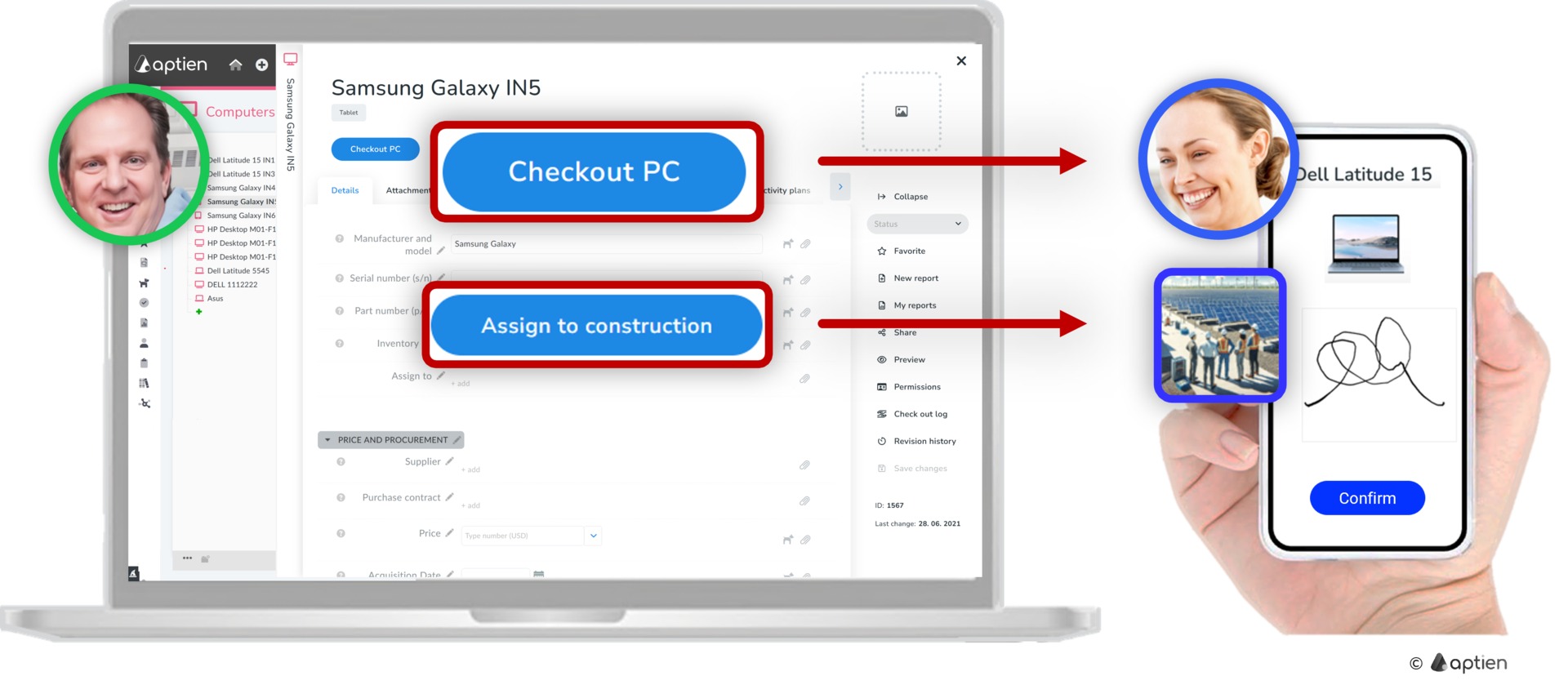
How to Issue Assets
- Select the asset or item record you want to issue
- Find the specific item you want to issue
- You will see an "Issue" button next to it
- On the handover form, select the location where you will be handing over the asset (locations are set by the administrator)
- Confirm the handover with your signature
- After confirmation, the item's location will be displayed