Date and time
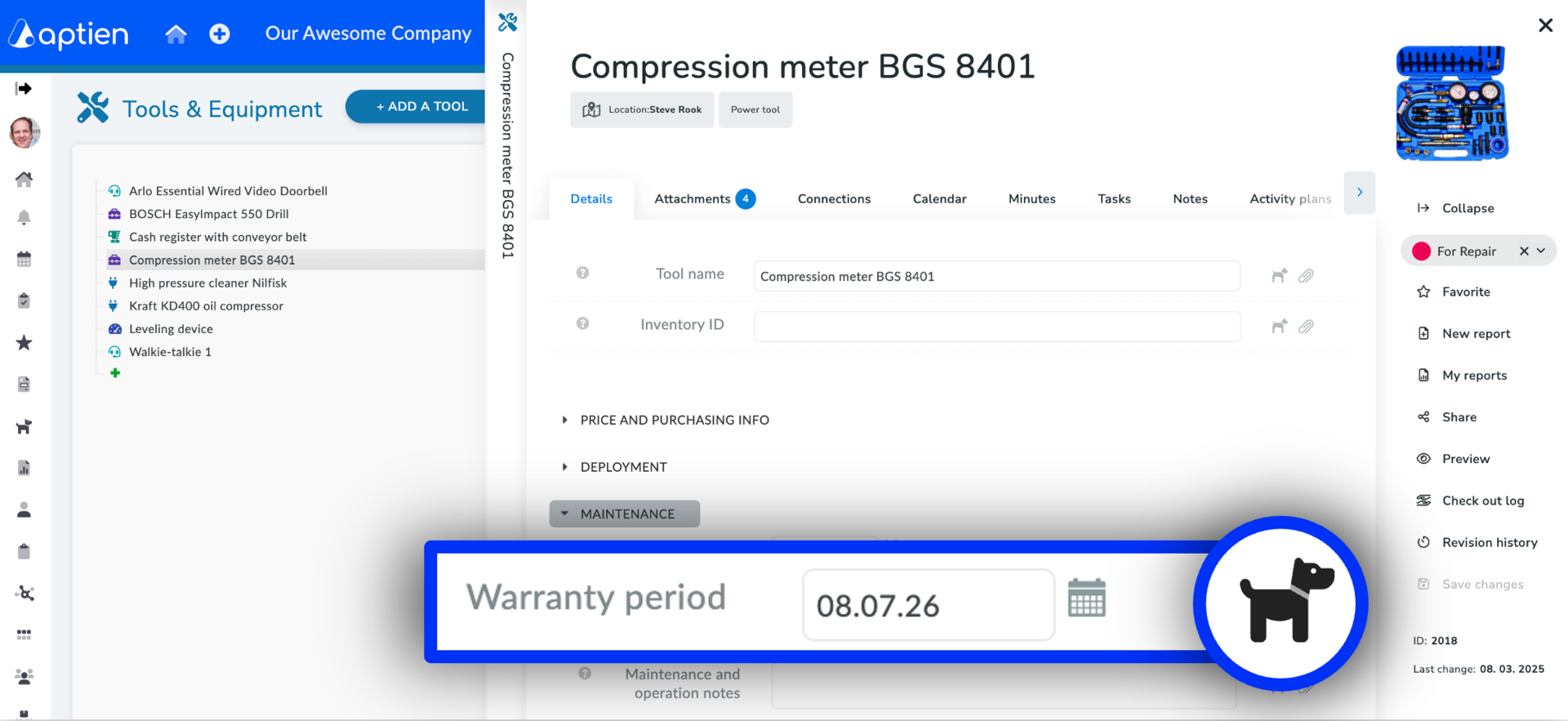
A classic date picker with a calendar, optionally including time entry. You can set up watchers on the date to alert you when a deadline is approaching.
Detail settings
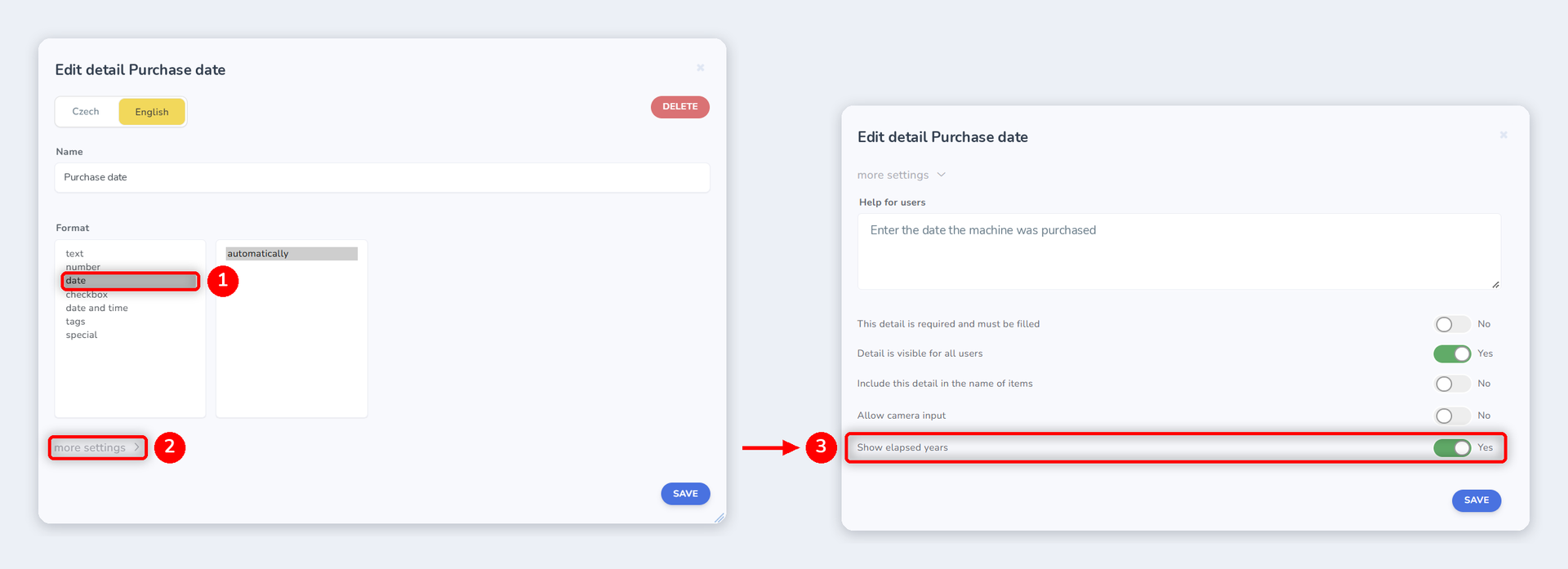
- Open Register settings → Details → Add detail.
- Fill in the detail Name, for example Warranty period.
- Under Format, select date, or date and time if you also need to enter the time.
- Expand more settings and turn on the options you need.
- Click Save.
You can change the same settings for an existing detail by editing it.
Show elapsed years
You will find this option in the detail's more settings. When turned on, the number of years elapsed since the date is shown next to it. Aptien calculates it automatically against today's date, so the value is always up to date and you never have to recalculate anything.
Useful for example for:
- date of birth: employee's age
- start date: years of service
- purchase date: age of the asset